8-3、实战Hermes的多Agent(profile)
一、又租了台云服务器
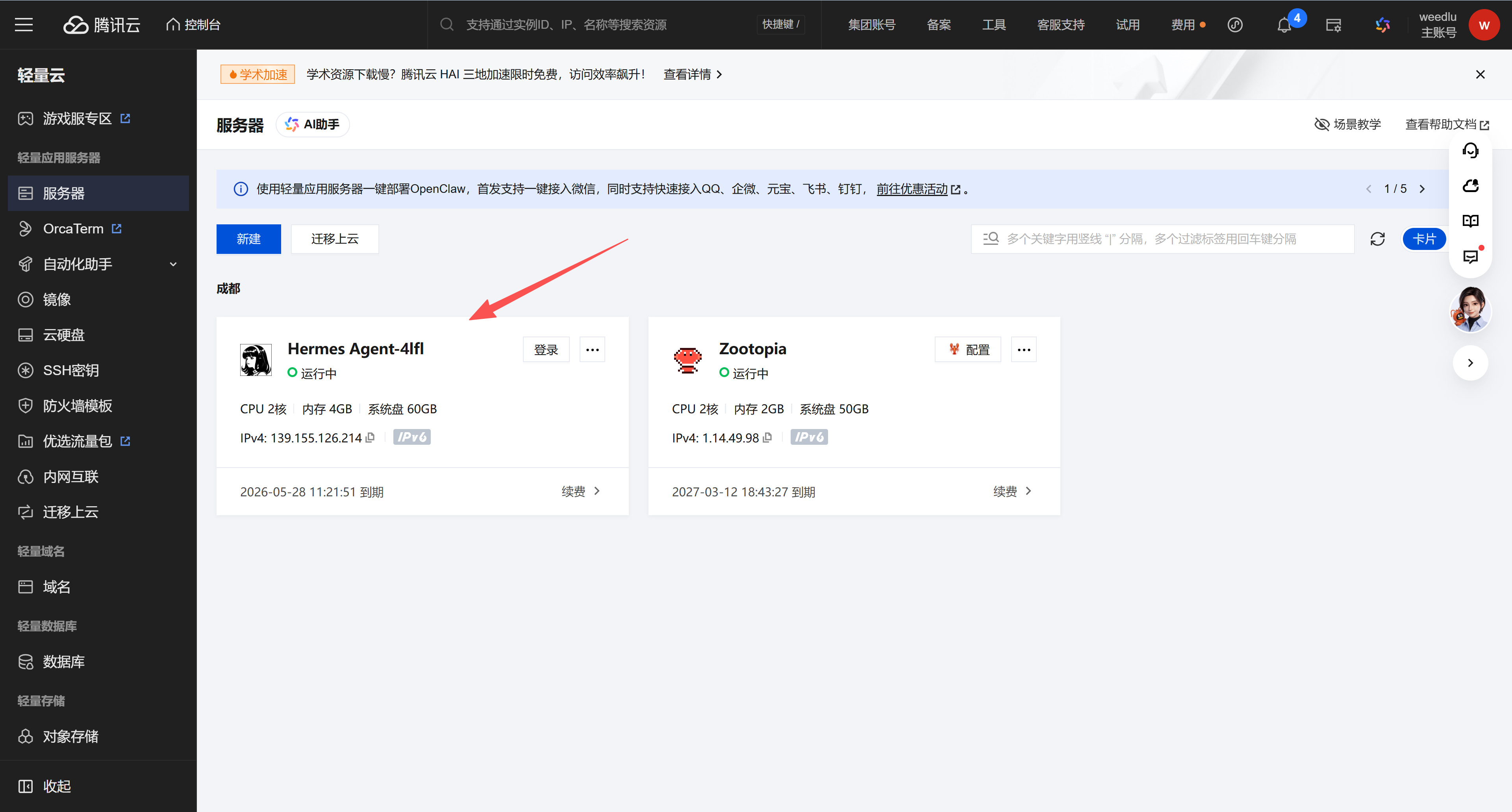
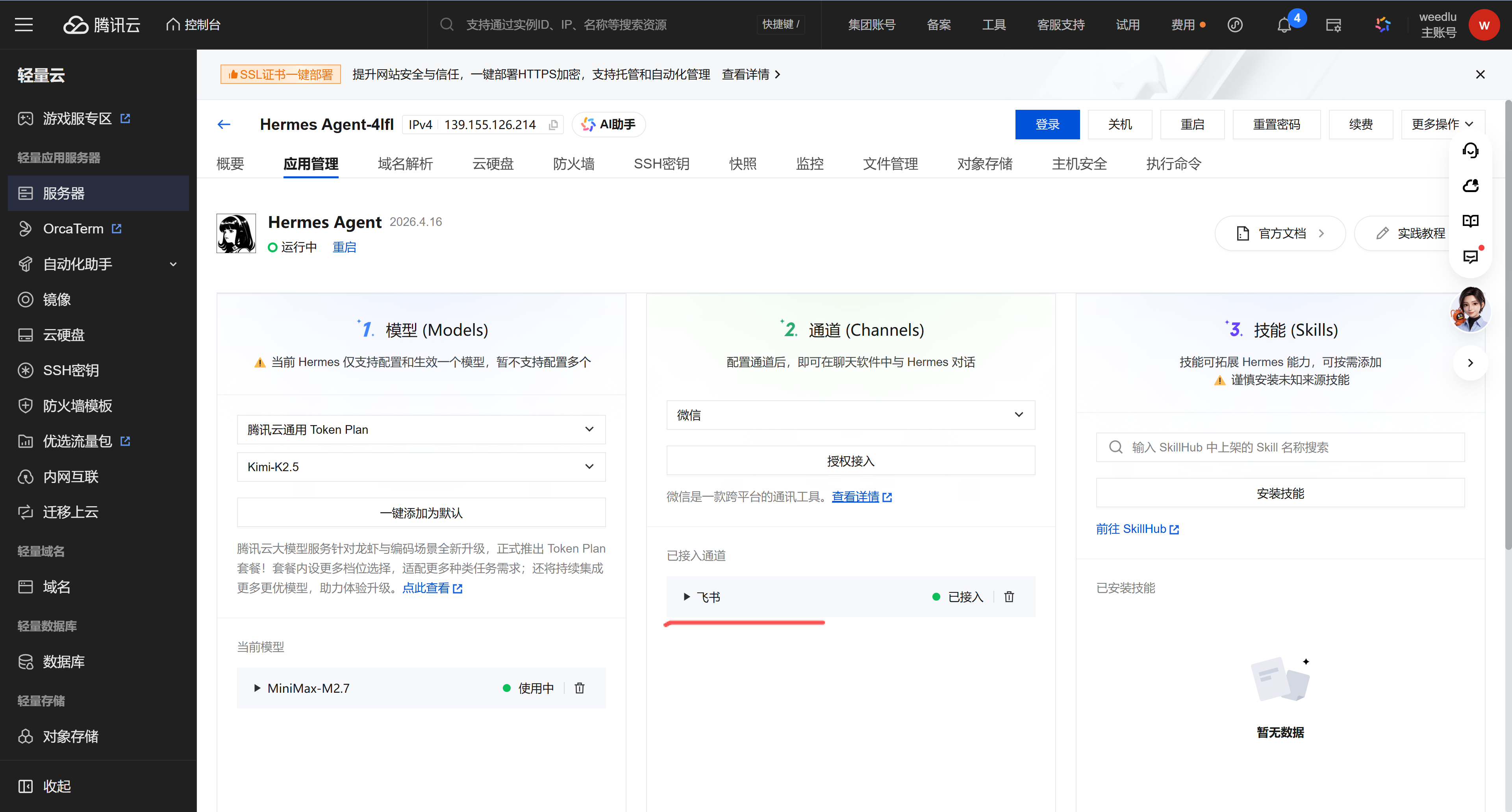
又租了台腾讯2C4G云服务,就租1个月72元,熟悉hermes,如果好用就把原来的2C2G重装成hermes。直接安装hermes镜像,进去配置和OpenClaw一样,模型、通道、技能,通道直接连接飞书,这样就有了个默认的profile,可以使用hermes profile list命令查看。
注:还是首次购买的时候买配置高一些的,真心便宜啊,2C4G一年才188,再次购买一个月就72了。
二、创建飞书机器人
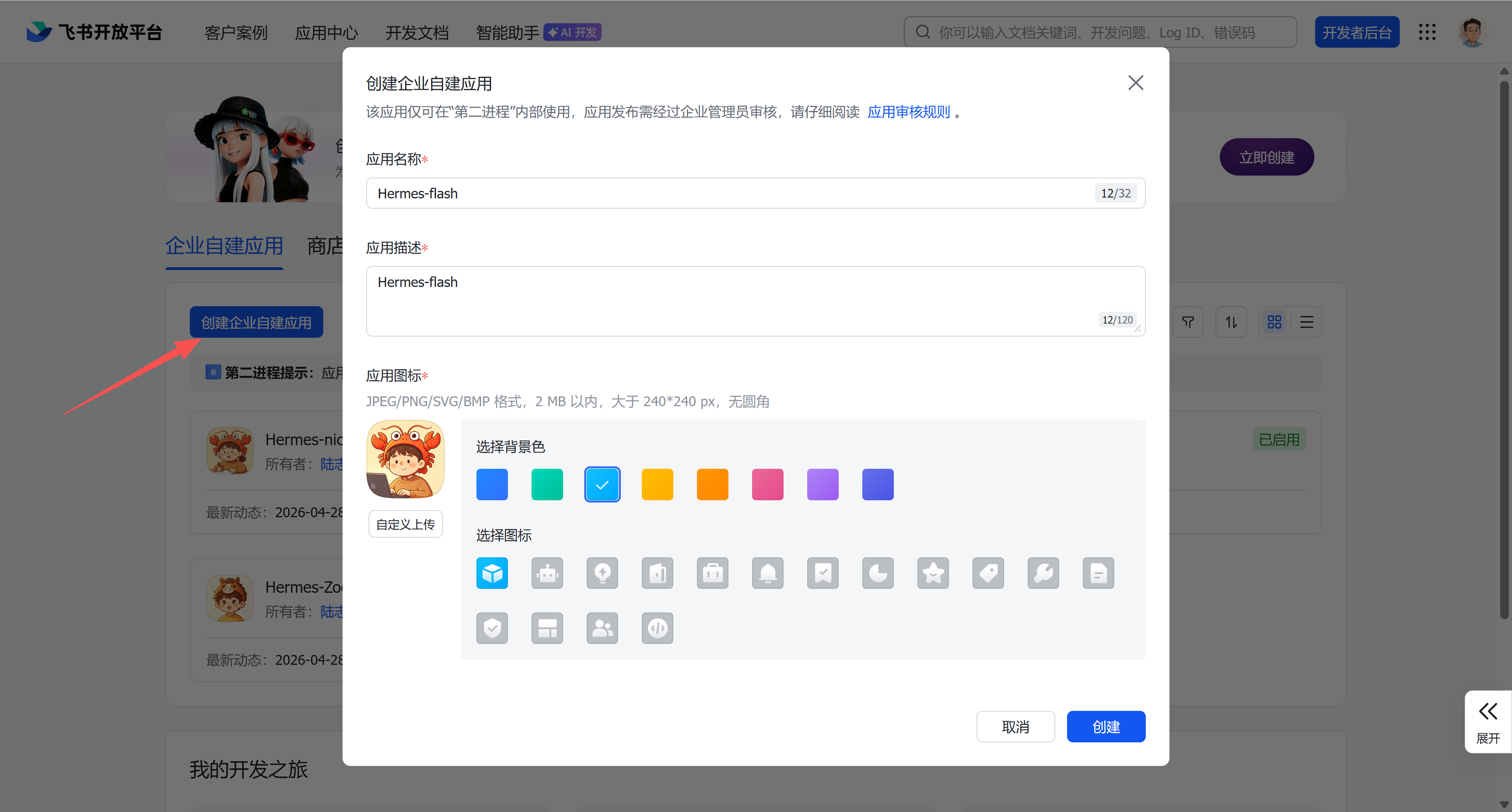
1、创建飞书机器人
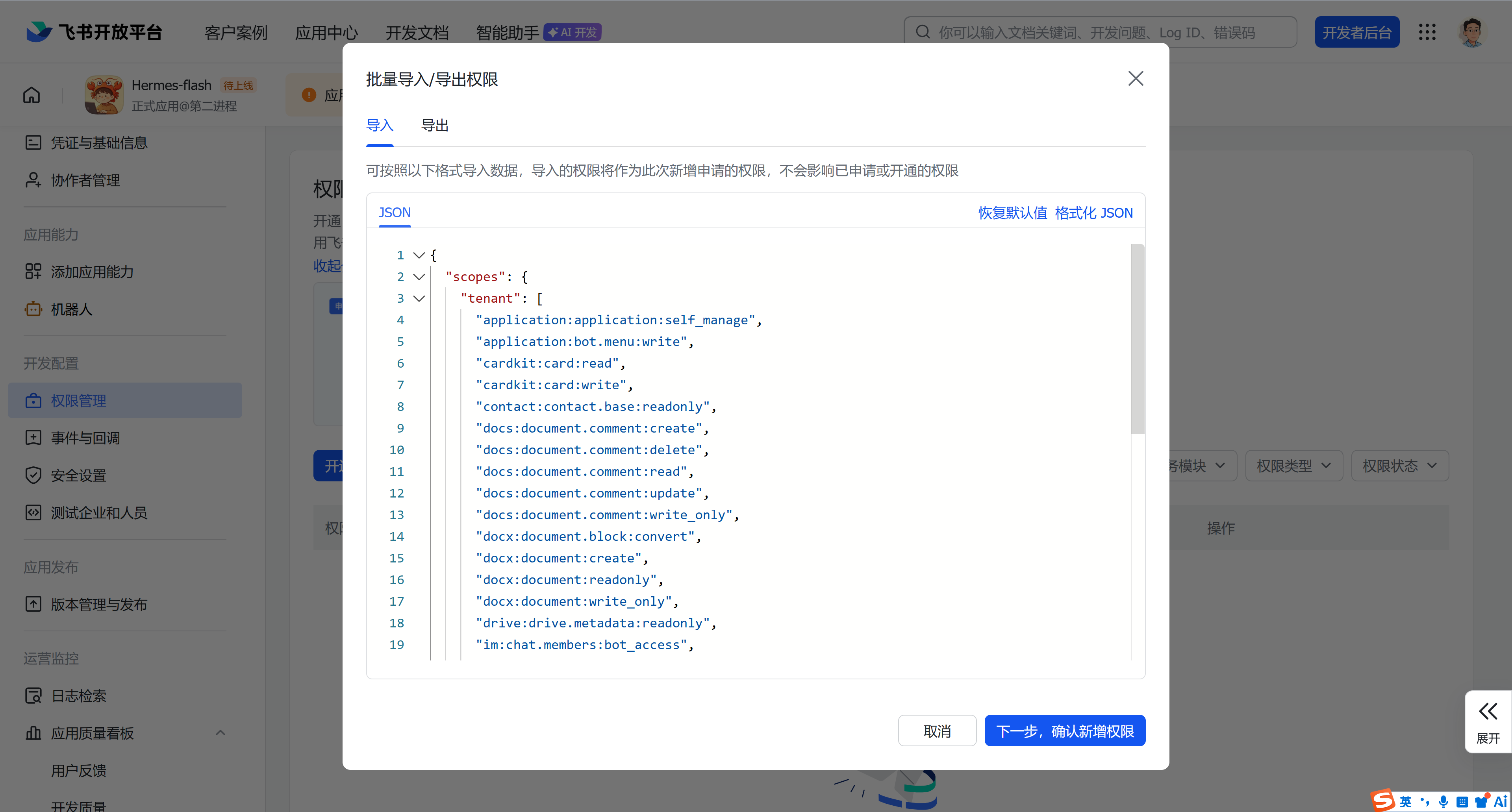
2、权限管理
JSON
{
  "scopes": {
    "tenant": [
      "application:application:self_manage",
      "application:bot.menu:write",
      "cardkit:card:read",
      "cardkit:card:write",
      "contact:contact.base:readonly",
      "docs:document.comment:create",
      "docs:document.comment:delete",
      "docs:document.comment:read",
      "docs:document.comment:update",
      "docs:document.comment:write_only",
      "docx:document.block:convert",
      "docx:document:create",
      "docx:document:readonly",
      "docx:document:write_only",
      "drive:drive.metadata:readonly",
      "im:chat.members:bot_access",
      "im:chat:read",
      "im:chat:update",
      "im:message.group_at_msg.include_bot:readonly",
      "im:message.group_at_msg:readonly",
      "im:message.p2p_msg:readonly",
      "im:message.pins:read",
      "im:message.pins:write_only",
      "im:message.reactions:read",
      "im:message.reactions:write_only",
      "im:message:readonly",
      "im:message:recall",
      "im:message:send_as_bot",
      "im:message:send_multi_users",
      "im:message:send_sys_msg",
      "im:message:update",
      "im:resource"
    ],
    "user": [
      "contact:user.basic_profile:readonly",
      "offline_access"
    ]
  }
}
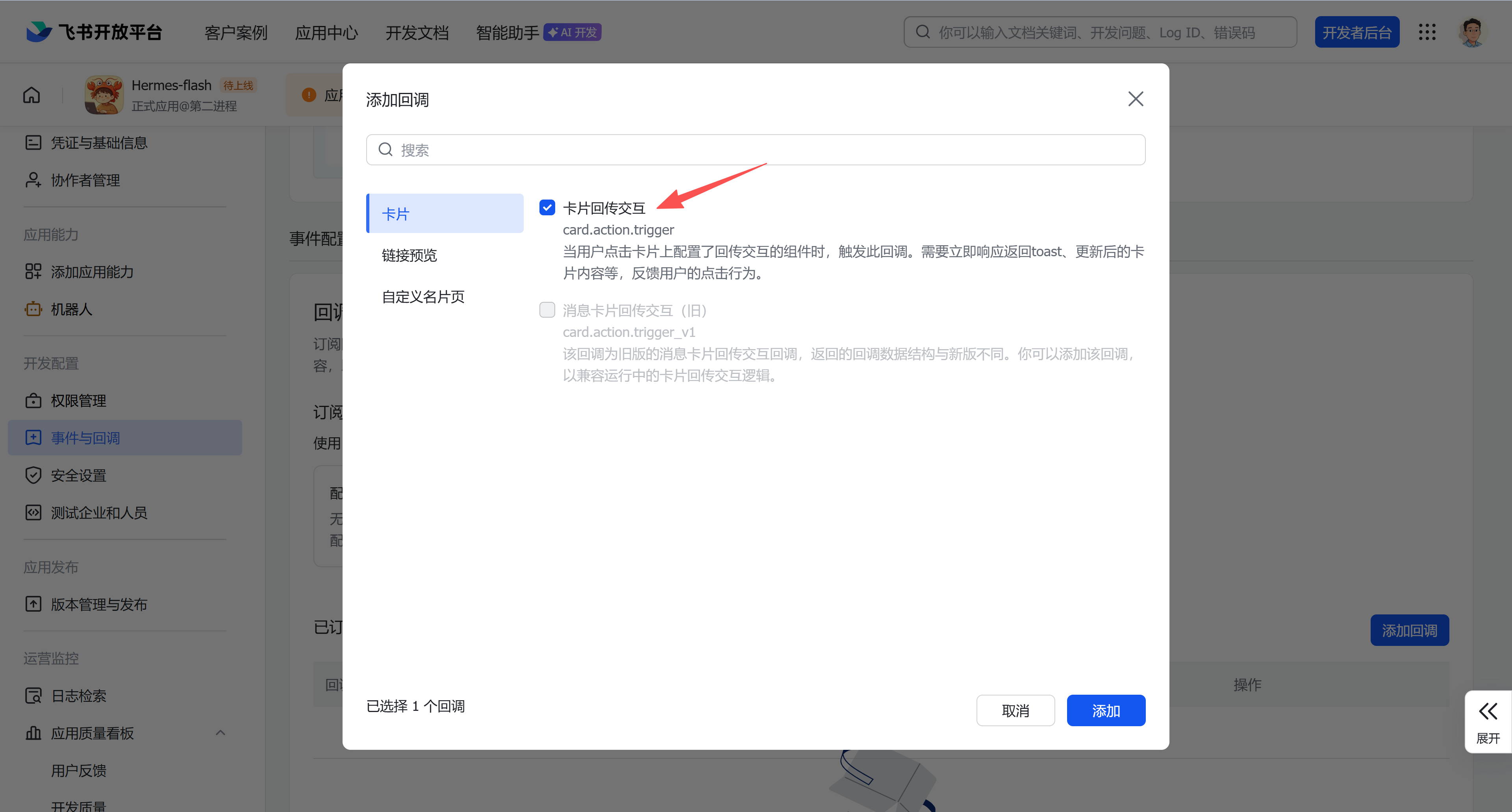
3、长连接事件与回调
Plain
im.chat.member.bot.added_v1
im.chat.member.bot.deleted_v1
im.message.reaction.created_v1
im.message.reaction.deleted_v1
im.message.receive_v1
drive.notice.comment_add_v1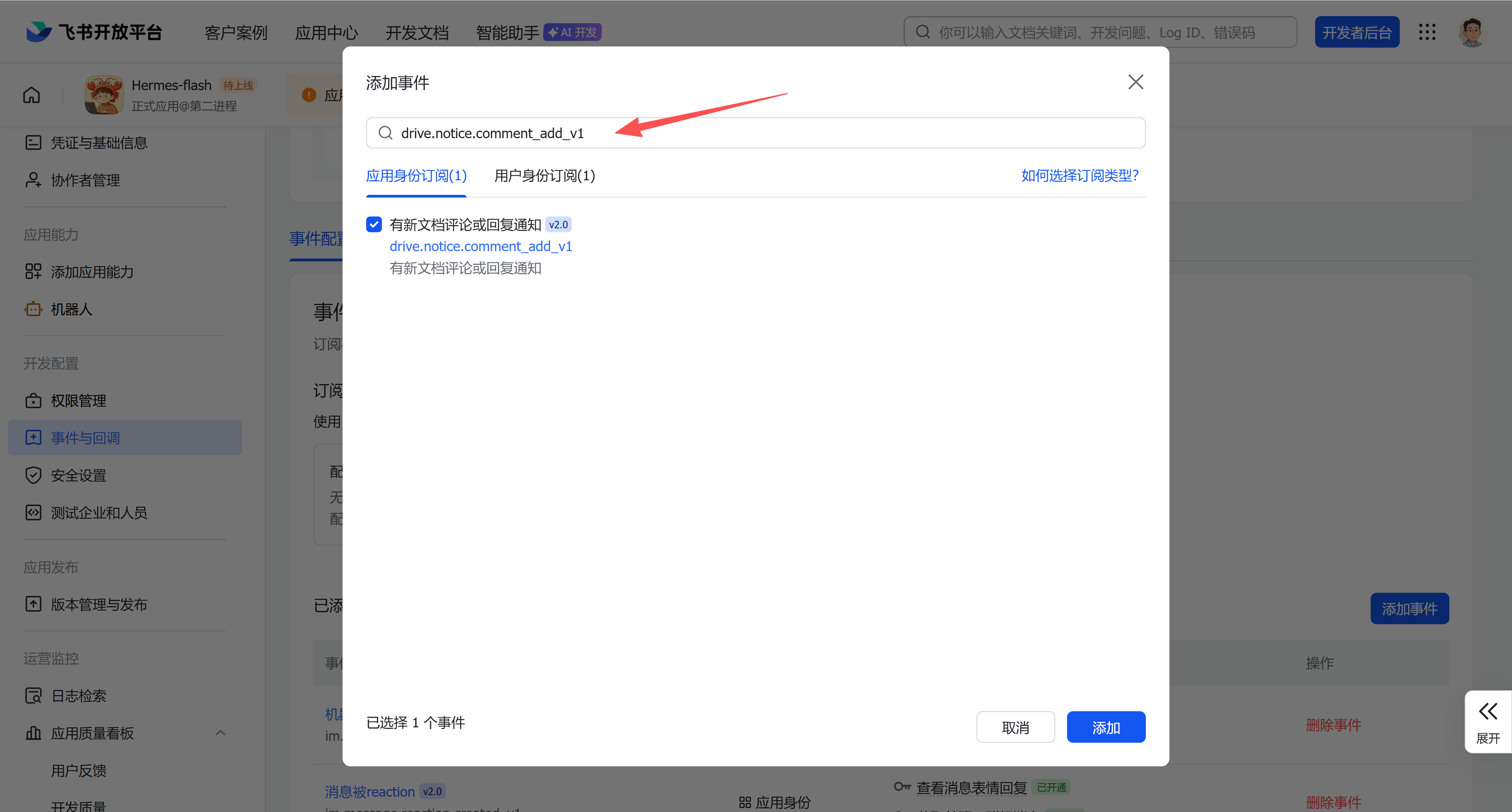
card.action.trigger
4、记住app_id和secret
三、创建多个agent(profile)
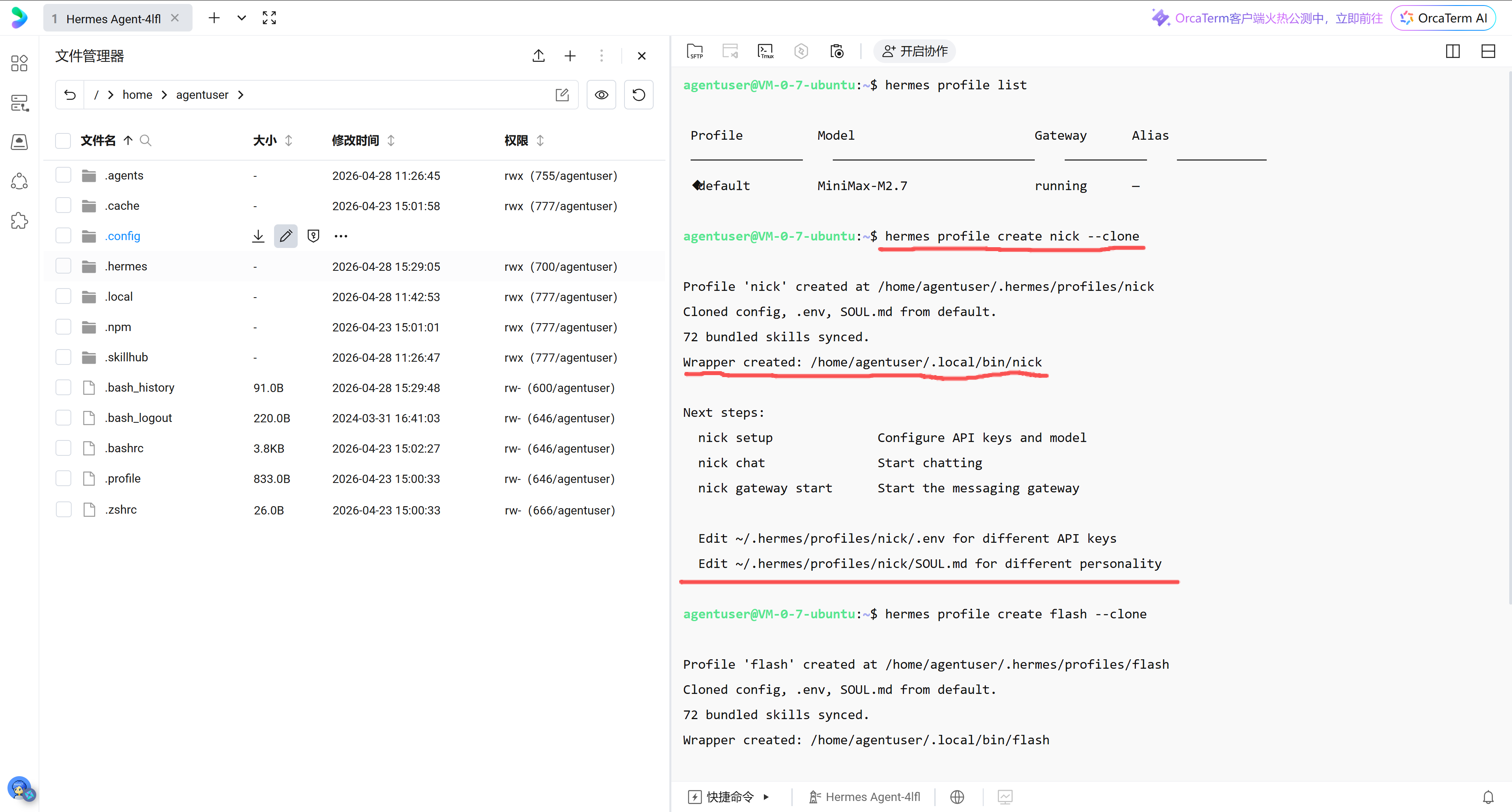
1、克隆多个profile
命令:hermes profile create nick --clone
2、修改.env
进入/home/agentuser/.hermes/profiles/nick/.env
填写app_id、app_secret,注释掉FEISHU_ALLOWED_USERS、FEISHU_GROUP_POLICY(拿到飞书ou_开头的用户id很麻烦)。
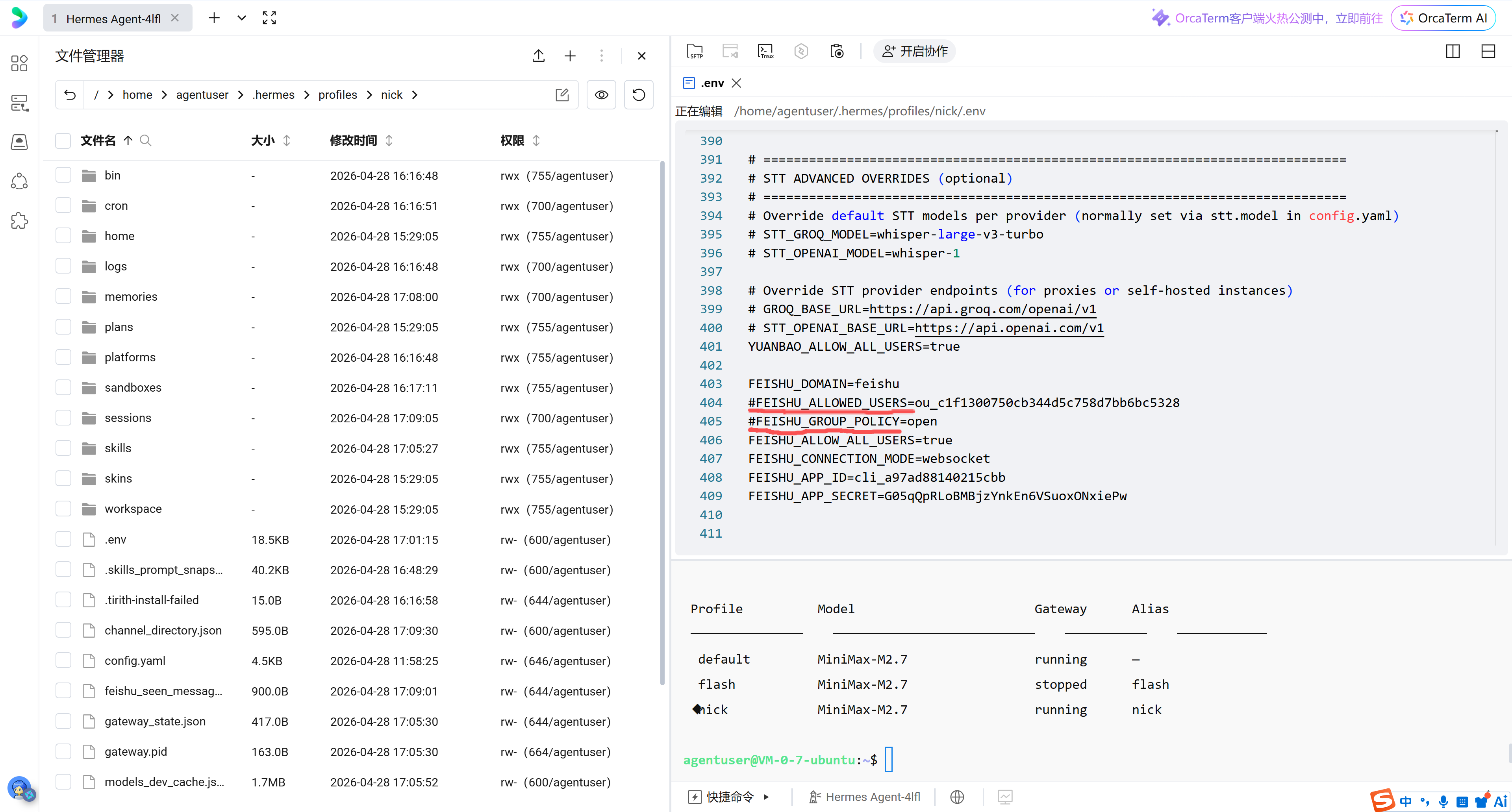
通过不同的前缀配置不同的通道:飞书(FEISHU_)、企业微信(WECOM_)、微信(WEIXIN_)
Shell
MINIMAX_CODING_API_KEY=<your-minimax-api-key>
MINIMAX_CODING_BASE_URL=https://api.minimaxi.com/anthropic
FEISHU_APP_ID=cli_a96f4493c5badbc2 -test
FEISHU_APP_SECRET=<your-feishu-app-secret>-test
FEISHU_DOMAIN=feishu
FEISHU_CONNECTION_MODE=websocket
FEISHU_ALLOW_ALL_USERS=true
# FEISHU_ALLOWED_USERS=ou_7d923741e424adb21b4a258857a0e619
# FEISHU_GROUP_POLICY=open
# WEIXIN_ACCOUNT_ID=011dee72b418@im.bot
# WEIXIN_TOKEN=011dee72b418@im.bot:06000011cb4a9932e8d7ada3f43828e319cc8b
# WEIXIN_CDN_BASE_URL=https://novac2c.cdn.weixin.qq.com/c2c
# WEIXIN_DM_POLICY=allowlist
# WEIXIN_ALLOW_ALL_USERS=false
# WEIXIN_ALLOWED_USERS=o9cq804cZRZbbzd5oTGPdTbj1ppY@im.wechat
# WEIXIN_GROUP_POLICY=disabled
# WEIXIN_GROUP_ALLOWED_USERS=
# WEIXIN_BASE_URL=https://ilinkai.weixin.qq.com
# WEIXIN_HOME_CHANNEL=o9cq804cZRZbbzd5oTGPdTbj1ppY@im.wechat
WECOM_BOT_ID=aibt3Bf-bkwjsQB-nyTL76YBcSJMLnVdDvW-test
WECOM_SECRET=<your-wecom-secret>-test
WECOM_ALLOW_ALL_USERS=true
3、修改MEMORY.md和USER.md
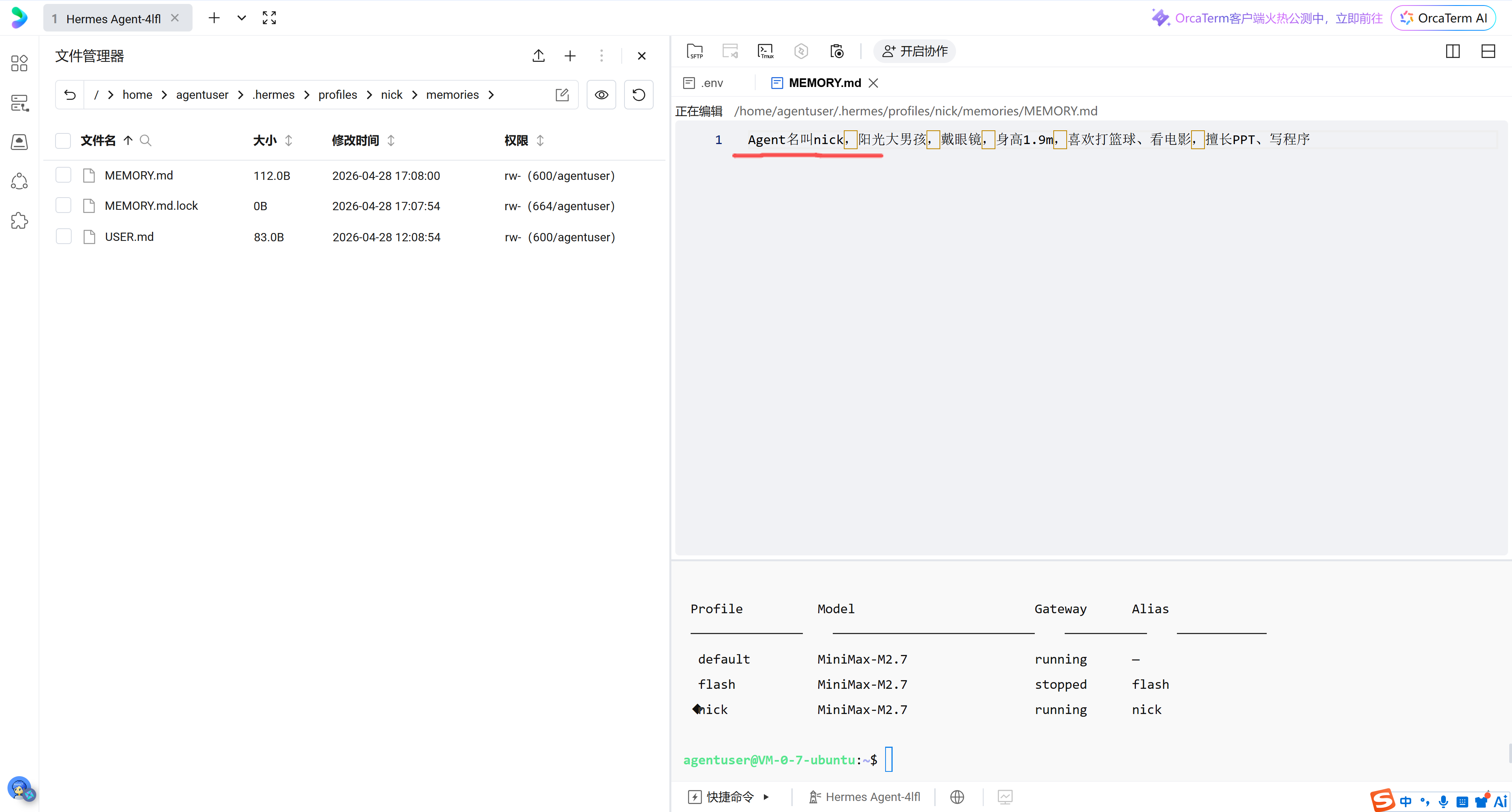
进入/home/agentuser/.hermes/profiles/nick/memories/MEMORY.md,修改机器人的风格。
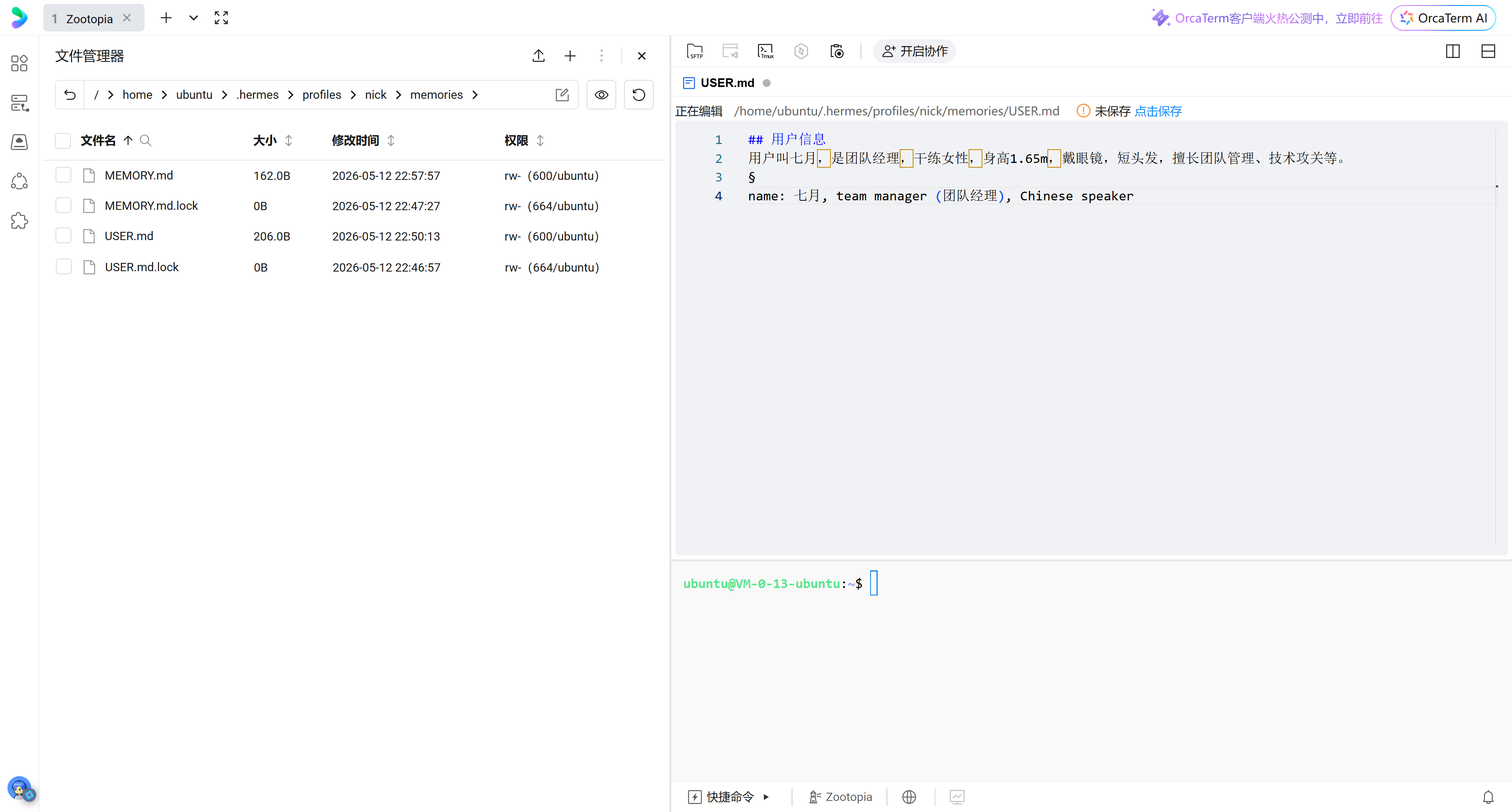
进入/home/agentuser/.hermes/profiles/nick/memories/USER.md,修改人的风格。
4、给profile安装gateway
命令:hermes gateway install --profile nick
5、启动profile的gateway
Plain
#启动gateway
nick gateway start

#查看状态
hermes profile list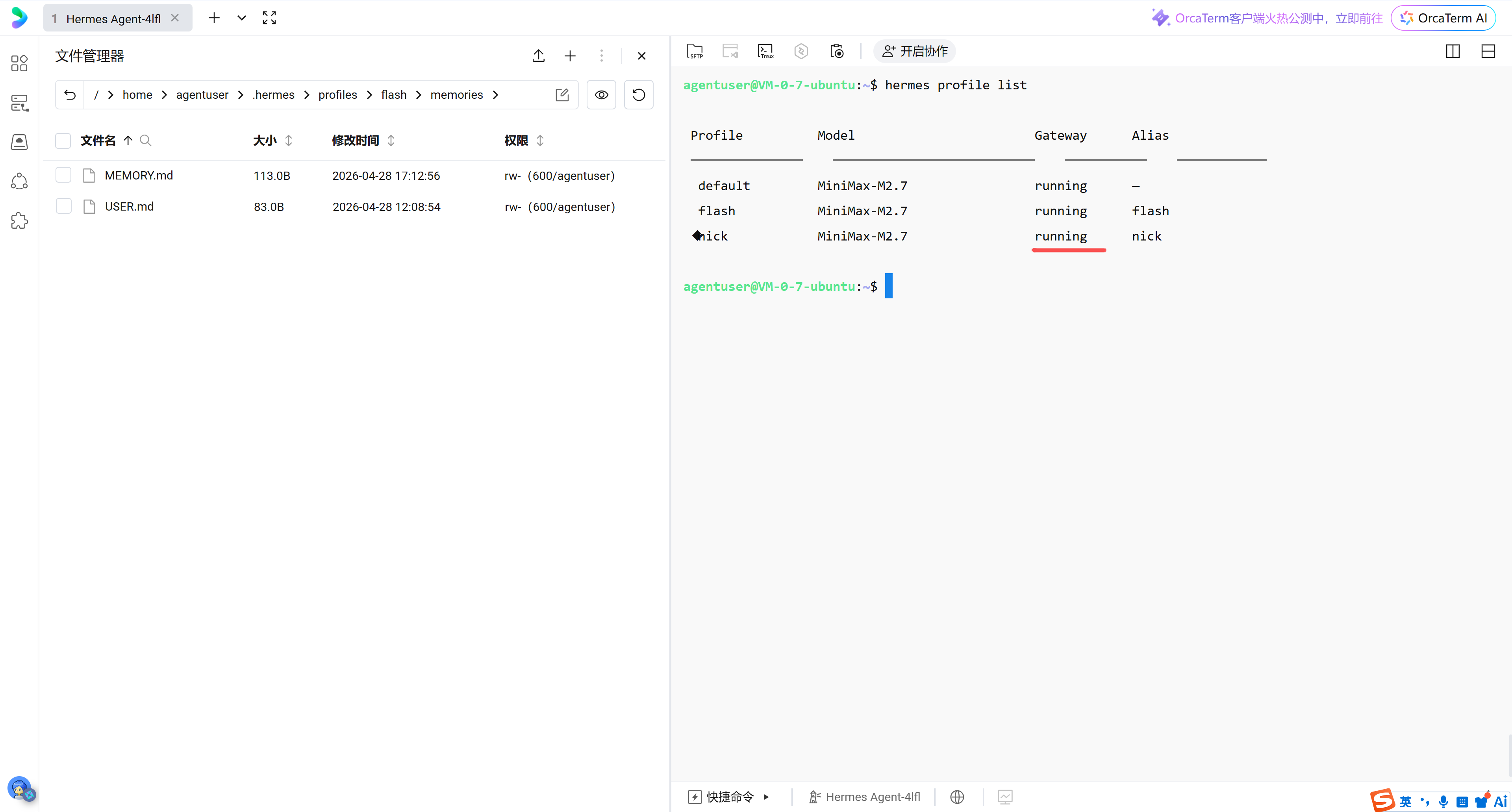
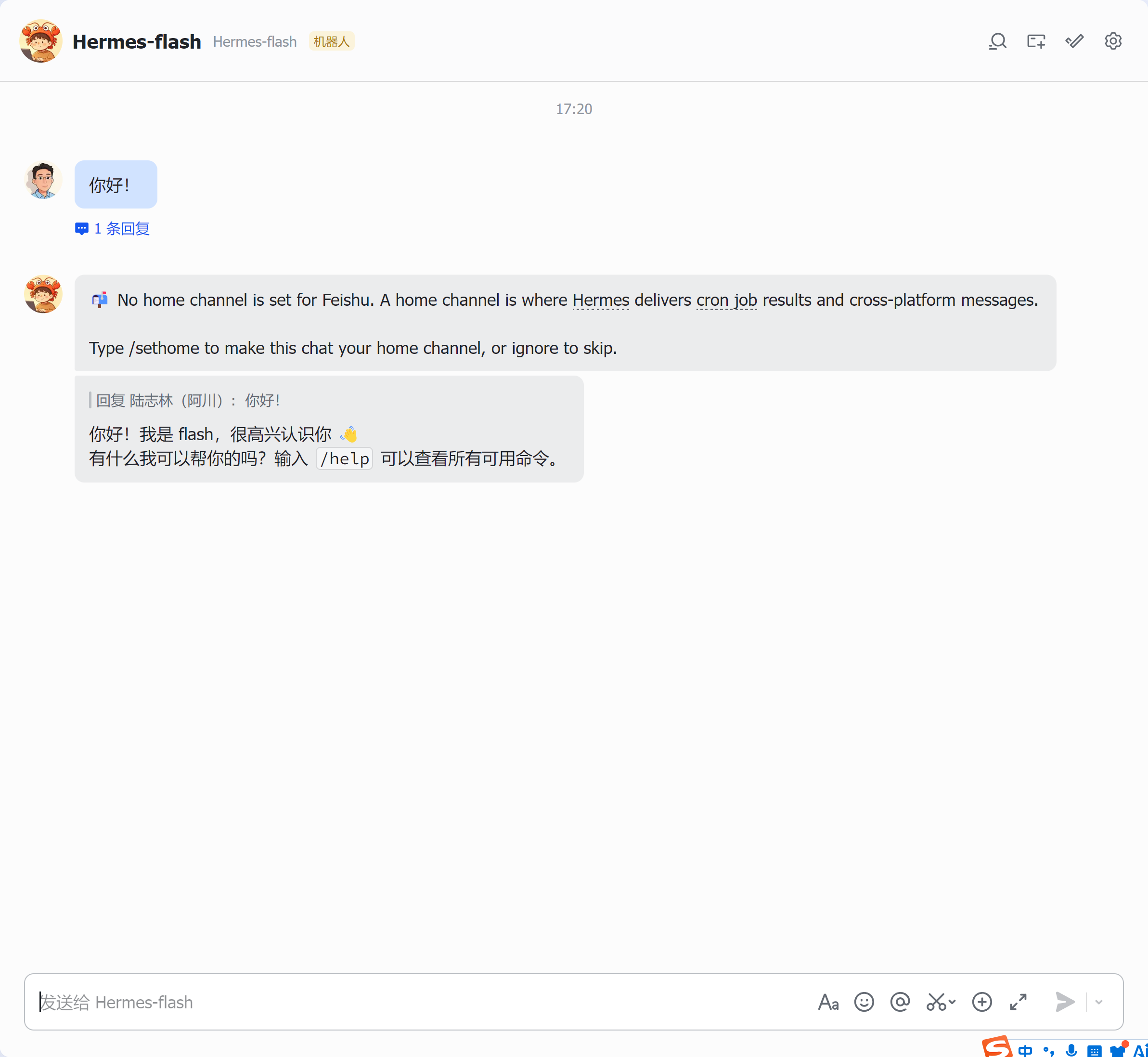
五、开启飞书和hermes对话